ARCHIWARE’s software lets you synchronize, back up and archive data cross platform on Mac, Windows, Linux, QNAP, Synology and NETGEAR.
The P5 Software Platform
Data management at every step of the life cycle
Archiware’s P5 Software Platform consists of modules, which each serve different data management purposes. Learn more about the functionality of each module and find the perfect fit for your requirements in the
What Archiware P5 Can Do for Your Data
- Protect data on all levels in ONE solution: Archive, Backup, Cloning/Replication
- Quick install + Easy to use
- Give access to all in the company to Backup + Archive
- Save time finding files with Archive as Single Source of truth
- Save money and storage by migrating file storage Archive
- Keep investment future proof and flexible: using disk, tape and cloud storage; OS and storage agnostic; many partners and integrations
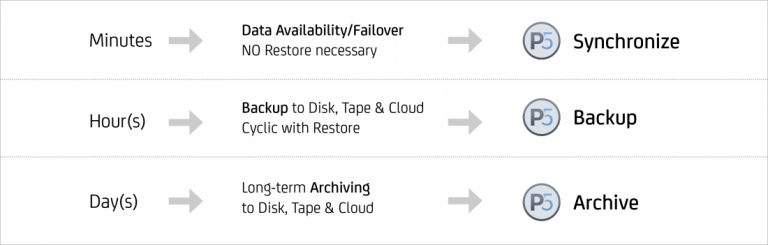
How long can you be without your data?
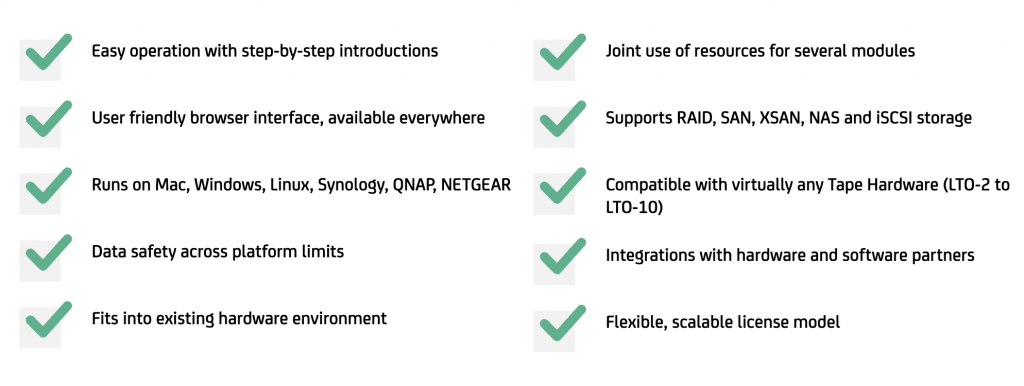
Benefits of Archiware P5
Why Choose Archiware P5?
One Platform – One User Concept
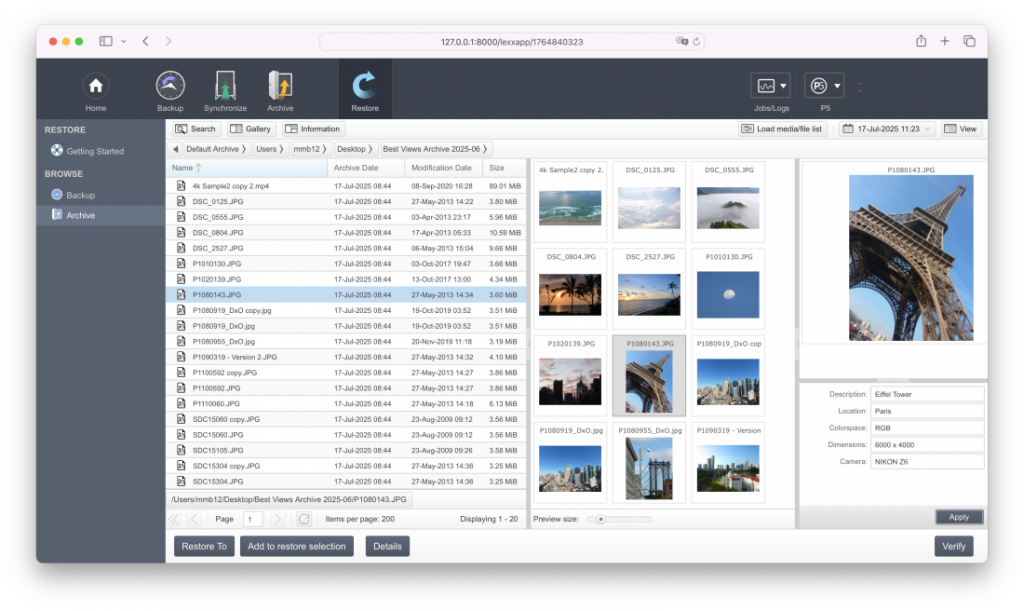
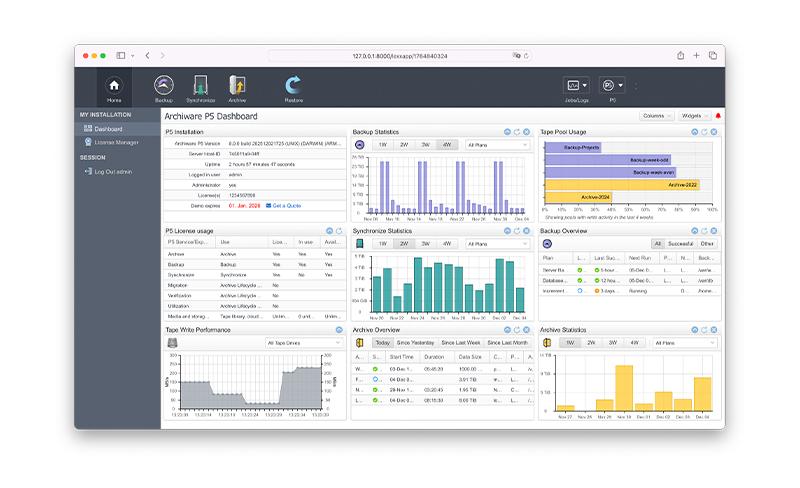
The browser based user interface of the P5 Platform ensures maximum user friendliness. The structure within the modules is the same, minimizing the familiarization period. When the software is first opened, a step-by-step introduction guides users through the creation of data security plans – so the first run can start within minutes. Through the web interface, P5 is available from anywhere, anytime.
One Software – All Platforms
P5 Software runs on Mac, Windows, Linux, Synology, FreeBSD, QNAP and NETGEAR. This secures your investments, as the software can be moved to a different server operating system at any point in time.
P5 is also platform neutral with regards to the storage used and therefore allows for e.g. the cloning from one OS to another or the restoration of files on a different platform than the one of the source (example: The P5 Archive server running on Linux archives files off Mac workstations). The important file properties such as access rights and extended attributes remain intact.